English
 Arabic
 French
 Spanish
 Portuguese
 Deutsch
 Turkish
 Dutch
Dutch
 Italiano
 Russian
 Romaian
 Portuguese (Brazil)
 Greek
Greek
The future of cybersecurity
Cybersecurity |
2026-04-30 01:22:59
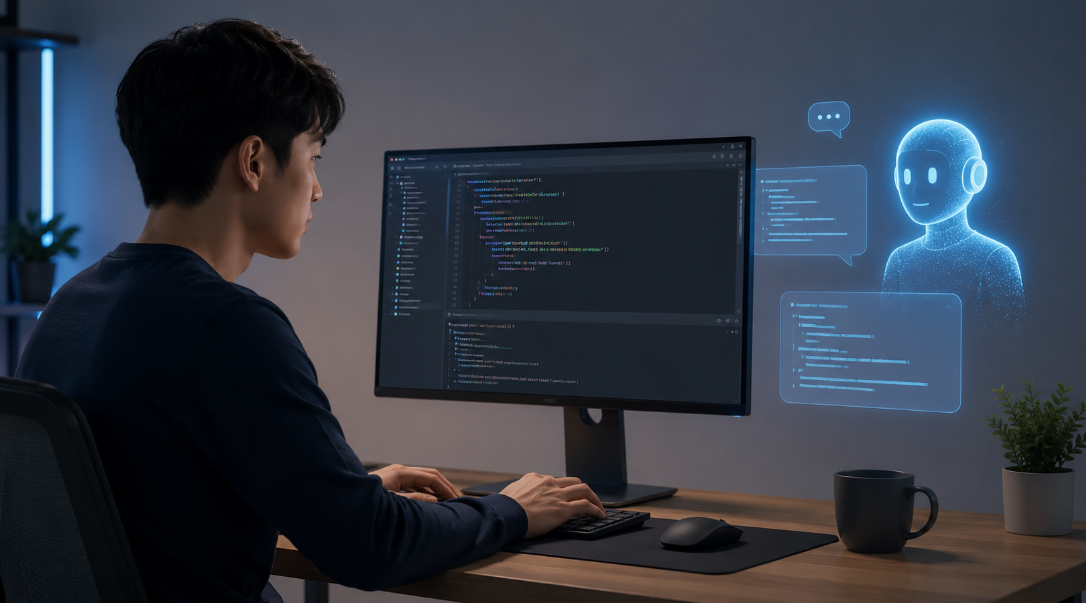
Three years ago, I stared at a screen full of Python code and felt completely lost. I'd tried tutorials, YouTube videos, even a paid bootcamp — and each time, I'd hit a wall and give up. Then AI changed everything. Not because it wrote code for me, but because it finally gave me a tutor who never got tired of my questions.
If you're wondering whether you can actually learn to code — yes, you can. And AI is the most powerful learning companion you've ever had access to. Here's how to use it properly, at every stage of the journey.
Let's start at the very beginning. You don't know what a variable is. You don't know what Python or JavaScript even mean in practice. That's completely fine.
The first move is simple: pick one language — just one — and ask your AI to be your guide. Most beginners should start with Python. It reads almost like English, it's forgiving, and the community around it is massive. Open Claude, paste this in, and watch what happens:
"I'm a complete beginner with zero coding experience. Teach me Python from scratch. Explain everything like I'm twelve, and after each concept, give me a small exercise to practice."
What makes this different from a textbook? The AI adapts to you. If something doesn't click, say so. Ask it to explain it differently, use a new analogy, break it into smaller steps. No textbook does that.
At this stage, your only goal is to understand three things: variables, loops, and functions. Spend a week on each. The AI explains, you practice, and when you inevitably break something, you paste the error message right back into the chat. That's the whole workflow.
Traditional coding education has one massive flaw — it moves at a fixed pace. A bootcamp moves too fast for some and too slow for others. A YouTube tutorial doesn't answer back. A textbook can't see your code.
AI fixes all of that. You get instant, plain-English explanations for every error message. You can ask the same question ten different ways without anyone getting frustrated. You can ask it to explain loops using your favourite sport, or functions using a cooking recipe. Context is what makes things stick, and AI lets you demand it on your terms.
The biggest mindset shift is this: there are no stupid questions. Ask everything. Ask it twice if you need to.
You've survived the basics. You can write small programs, you understand the fundamentals, and you've maybe built a simple calculator or a number-guessing game. Now comes the part where most self-taught programmers stall.
At this stage, you know enough to know how much you don't know. It's overwhelming. Should you learn data structures? Object-oriented programming? Web development? APIs? This is where AI becomes a strategic partner, not just a tutor.
Tell the AI what you want to build eventually — a website, a data tool, a game — and ask it to map out a personalised learning path. Ask it to order topics by importance, estimate how long each will take, and suggest a project for each milestone. Suddenly the fog lifts and you have a plan.
This is also where project-based learning becomes non-negotiable. Stop doing exercises and start building things you actually care about. A weather app. A personal finance tracker. A bot that texts you a motivational quote every morning. The AI becomes your pair programmer — someone to think through problems with, not someone to hand you the answers.
One mistake to avoid: asking the AI to just write the code for you. It will. But you won't learn anything. Instead, try this:
"I'm trying to write a function that sorts a list. I think I need to compare items somehow, but I'm stuck on where to start. Can you give me a hint without writing the full solution?"
That keeps you in the driver's seat. You struggle productively, you get unstuck when you need to, and the knowledge actually transfers.
Here's where things get genuinely exciting. At the advanced level, AI doesn't replace your expertise — it amplifies it. You have instincts now. You can write real software. But AI becomes the fastest way to explore unfamiliar territory, review your own blind spots, and ship quality work faster than ever.
Advanced developers use AI to review architecture decisions, understand legacy codebases in minutes, generate comprehensive test cases, write boilerplate for new frameworks, and stay current in a field that never stops moving. The most powerful question you can ask at this level is simply: "What am I missing?"
Paste your approach, your code, your plan — and ask for honest critique. Senior developers learn fast because they get better feedback loops. AI gives you that same loop, on demand, any hour of the day.
The technology is the easy part. Staying consistent and having the right attitude toward difficulty — that's what separates people who learn to code from people who tried.
Here's the honest truth: coding is still hard. AI makes it easier to get unstuck, easier to understand concepts, easier to move forward — but it doesn't make the thinking disappear. You still have to show up, wrestle with problems, and push through the frustrating days.
Treat AI like a brilliant friend who happens to know everything about programming. You wouldn't have a friend do your homework for you if you actually wanted to learn. You'd ask them to walk through it with you, explain where you went wrong, and challenge you with follow-up questions.
A good personal rule: if you can't explain what the AI-generated code does, line by line, you haven't learned it yet. Go back, ask questions, break it on purpose, rebuild it. Own every line that goes into your projects.
If you're ready to begin right now, here's a simple first-week plan:
Days 1–2: Install Python and VS Code. Ask an AI to walk you through writing "Hello, World." Understand every single character of that one line before moving on.
Days 3–4: Learn variables and data types. Build a tiny program that stores your name, age, and a fun fact about yourself, then prints it as a sentence.
Days 5–6: Learn if/else and for loops. Build a simple quiz — the program asks a question, checks your answer, tells you if you're right. It's more satisfying than it sounds.
Day 7: Show the AI everything you built. Ask what you did well, what could be cleaner, and what to focus on next. Then follow the plan.
The barrier to entry for learning to code has never been lower. You have an AI that can teach, explain, review, and encourage — available at any hour, endlessly patient, completely non-judgmental.
What you bring is the curiosity and the consistency. Show up every day, even for just 30 minutes. Ask questions without embarrassment. Build things that feel meaningful to you. Struggle productively, and lean on AI when you're genuinely stuck.
The developer you want to become is built one debugging session at a time. And for the first time in history, you don't have to figure any of it out alone.
Start right now. Open a chat with an AI assistant and type: "Teach me to code. Start from the very beginning." That's all it takes.