English
 Arabic
 French
 Spanish
 Portuguese
 Deutsch
 Turkish
 Dutch
Dutch
 Italiano
 Russian
 Romaian
 Portuguese (Brazil)
 Greek
Greek
WaaS: The Smarter Way to Build Your Website
Development |
2026-04-30 07:52:32

The new way people are building software, and why it's kind of a big deal
Let's be real. The way people build software is changing fast. Like, uncomfortably fast. And right in the middle of that shift sits this thing called vibe coding, a term that sounds like it was invented by someone who codes in a hoodie at 2am with lo-fi beats playing (honestly, probably accurate).
But don't let the casual name fool you. Vibe coding is producing real products, real startups, and real revenue. People with zero computer science degrees are shipping apps that work. And the ones who understand how to do it well are quietly becoming some of the most effective builders around.
So let's break it down: what it actually is, why it matters, and how to get genuinely good at it.
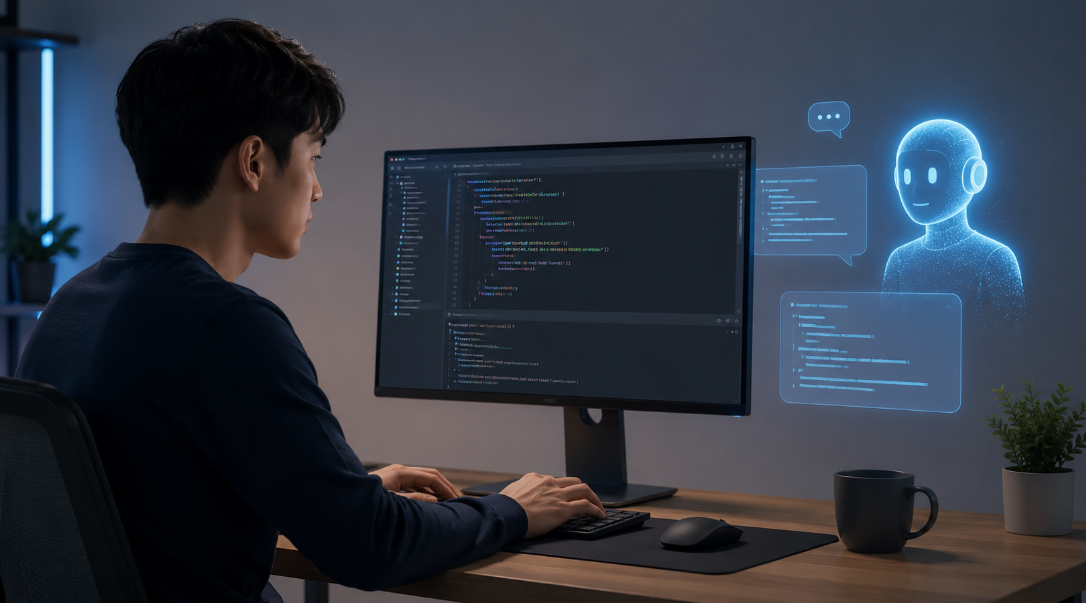
The term was coined by Andrej Karpathy, one of the original minds behind Tesla's AI and a founding member at OpenAI. His definition is pretty simple: you describe what you want in plain language, the AI writes the code, and you just... go with the vibe. You're not reading every line. You're not manually debugging syntax. You're steering.
Think of it like being a film director instead of the camera operator. You have a vision, you communicate it clearly, and you trust the tools around you to execute. The creative judgment is still 100% yours. The technical grunt work? Less so.
This is genuinely new. For most of computing history, if you wanted to build something, you had to speak the machine's language. Now the machine is learning to speak yours.
Here's the thing nobody tells you upfront: vibe coding has a skill ceiling, and most people hit it early because they treat AI like a magic button.
They type something vague like "make me an app", get something half-functional, can't explain why it broke, and either copy-paste fixes they don't understand or give up entirely. The vibe was off from the start.
The people who are genuinely good at this treat it differently. They're not just prompting, they're thinking. They know what they want to build before they open the chat. They communicate in specifics. They review what the AI produces, even if they can't write it themselves. And when something breaks, they describe the problem clearly instead of just panicking.
Vibe coding isn't about doing less thinking. It's about redirecting your thinking toward the right things.
The single most important skill in vibe coding is clarity. Not coding knowledge, just clarity.
Before you type a single prompt, you should be able to answer these questions:
That last one is underrated. Constraints help the AI enormously. "Build me a journaling app, no social features, no accounts, just a daily text box that saves locally" is a dramatically better starting point than "build me a journaling app."
The more you can think like a product manager, clearly defining scope, user flows, and edge cases, the better your output will be. This is a learnable skill, and it compounds fast.
Good vibe coding sessions don't start with code. They start with a conversation.
Step 1: Describe the vision, not the implementation. Tell the AI what you're building and why. Give it context. "I'm building a simple habit tracker for myself. I want to check off habits daily, see a weekly streak, and that's basically it. Clean UI, nothing fancy."
Step 2: Ask it to think before it builds. Before generating code, ask the AI to outline its approach. "Before writing anything, tell me how you'd structure this and what tech stack makes sense." This catches bad assumptions early.
Step 3: Build in small chunks. Don't ask for the entire app at once. Build the homepage first. Get it working. Then add the core logic. Then the extras. Small loops are faster and way easier to debug.
Step 4: Test obsessively. Click everything. Break things on purpose. Try edge cases. What happens if someone adds 50 habits? What if the data is empty? The AI won't always think of these. You have to.
Step 5: Ask for explanations, not just fixes. When something breaks, don't just say "fix it." Ask "why did this break and what are we changing to fix it?" You'll understand your own project better, and the fixes will actually stick.
This is where serious vibe coders separate from casual ones. You don't need to be able to write code, but you should understand the shape of what you're building.
Know the difference between a frontend and a backend. Understand roughly what a database does. Know why an API exists. None of this requires months of study. A few hours of honest curiosity will get you there, and the AI itself is an excellent teacher for all of it.
Why does this matter? Because when something breaks, you need to be able to describe the problem accurately. "The button isn't working" is hard to debug. "The button triggers a function that's supposed to save data, but nothing is appearing in the database" is something the AI can actually work with.
The mental model is your debugging superpower.
You don't need all of them. Pick a setup and get good at it.
Cursor is probably the most popular vibe coding environment right now. It's an AI-native code editor that understands your entire project, not just the file you have open. Great for anything beyond a single-page app.
Claude is where a lot of people do their thinking: working through architecture, getting explanations, asking hard questions about design before writing a line of code.
v0 by Vercel is excellent for UI work specifically. Describe a component, get clean React code back, iterate fast. If you're building web apps, this one is worth knowing.
Replit is great if you want everything in one place: editor, AI, hosting, deployment. Lower friction, especially for beginners or quick experiments.
The tool matters less than the habit of using it deliberately. A focused session with clear prompts in any of these will beat an unfocused session in all of them.
Let's keep it honest. There are real limits.
Complex systems with lots of moving parts still get messy fast. Security-sensitive applications, anything handling real user data, payments, or authentication, need people who understand what they're building at a deeper level. Performance at scale isn't something you can vibe your way through without understanding why things are slow.
And there's the maintenance problem. Code that was generated quickly without much understanding can become a nightmare to update later. Every vibe coder eventually hits a project that's grown beyond their ability to steer it, and that moment is uncomfortable.
The solution isn't to stop vibe coding. It's to keep learning alongside it. Let the AI build fast while you gradually understand more of what it's building. The two things aren't in conflict.
Here's what actually makes someone good at this. It's not how fast they can prompt. It's how curious they are about what they're building.
The best vibe coders ask "why" constantly. Why is it structured this way? Why did that break? Why did the AI choose this approach over that one? That curiosity closes the gap between using AI as a crutch and using it as a genuine force multiplier.
Speed is a side effect of understanding. Chase the understanding, and the speed comes with it.
Pick something small you actually want to exist. A tool for your own workflow, a side project you've been putting off, something you'd genuinely use. Open Cursor or Claude, describe it clearly, and start building.
Break it. Fix it. Ask why. Build the next version better than the first.
That's vibe coding. And honestly? It's a pretty good time to be learning it.
The best prompt you can start with: "I want to build [thing]. Help me think through the structure before we write any code."