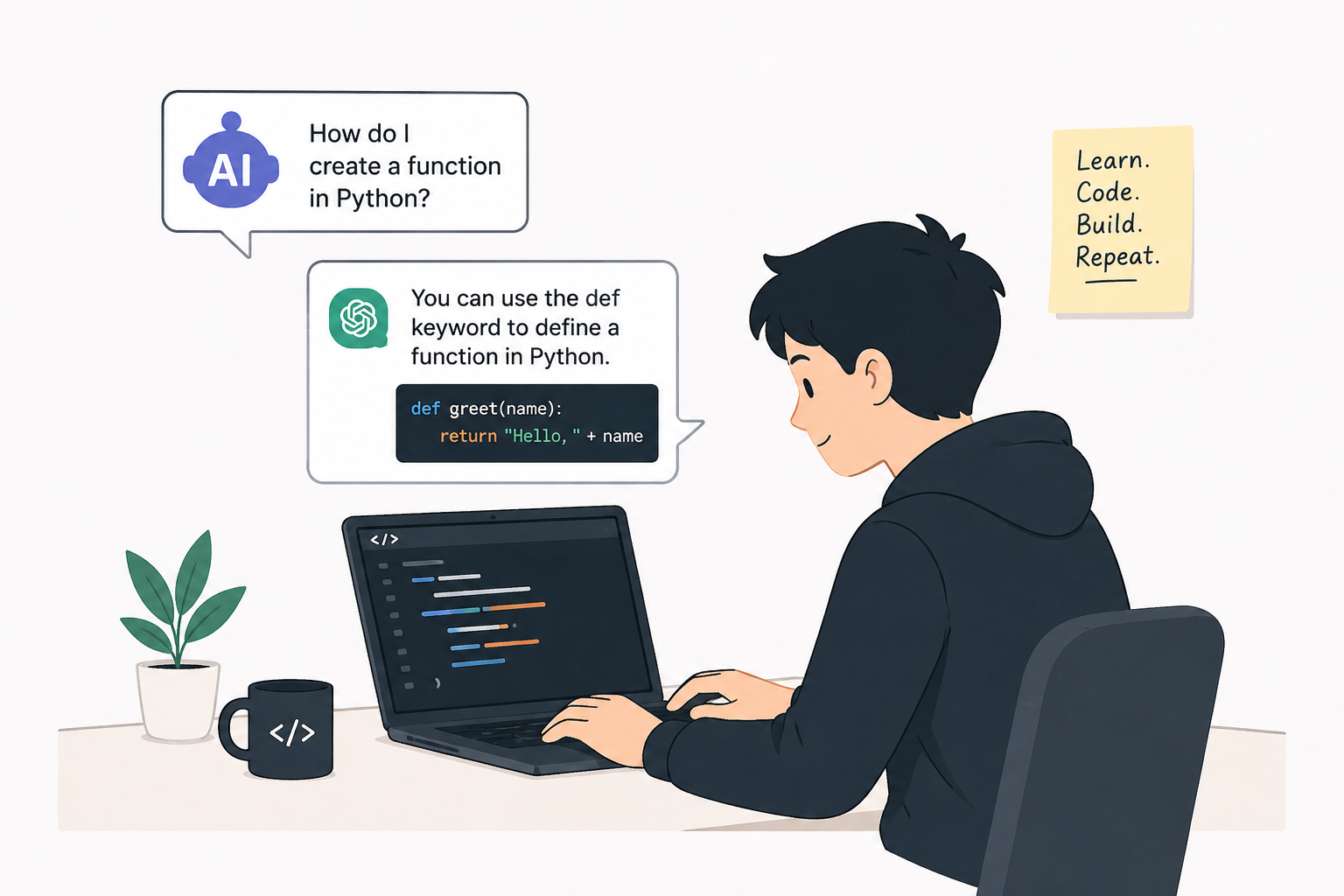
How to Learn Programming with AI (Without Becoming a Copy-and-Paste Robot)
AI is an effective tool for programmers. It can help beginners create quickly, but it can also leave you stuck as a "Ctrl+C / Ctrl+V Engineer" who struggles when something goes wrong.
The key isn’t whether you use AI, but how you use it. To really improve, try using the E-E-A-T framework as you learn:
🧩 Experience: Get Your Hands Dirty
The Truth: Watching AI write code does not mean learning programming.
It might seem productive and look impressive, but your brain isn’t really working. Real learning happens when you meet challenges..
- This means writing messy code, making mistakes, and spending time fixing bugs.
- How to use AI properly:
-
- “Give me a small challenge to practice this concept.”
- “Don’t give me the full solution; help me through the logic step-by-step.”
- “Review my try and tell me where I’m over-complicating things.”
Golden Rule: Spend 20 minutes trying to solve the problem on your own before asking AI for help. That effort is what helps you grow.
🧩 Expertise: Understand "Why," Not Just "What."
Anyone can get code from an AI, but real developers know how and why it works.
- The Lazy Way: "It works. Don't touch it."
- The Smart Way: "Why did the AI choose a map() over a forEach() here?"
Ask AI these questions:
- "Explain this specific line like I’m a total beginner."
- "What are three different ways to solve this, and what are the trade-offs of each?"
- "Is there a more memory-efficient way to handle this data?"
Here’s a test: If someone asks you to explain your code and you say, "Uhh... the AI made it," you haven’t really learned anything. You’ve just let the AI do the thinking for you.
🧩 Authoritativeness: Build Your Proof
In programming, talk is easy, but proof matters most. Your projects show what you can do, so they should be your own work.
- What builds authority: A GitHub profile with unique projects you can explain line-by-line during an interview.
- What doesn’t help: Having a bunch of copied tutorials where the AI did most of the work.
Smart AI Collaboration:
- Use it to brainstorm unique feature ideas.
- Ask it to help you architect the folder structure.
- But: If you can’t defend a design choice, you don’t own the project.
🧩 Trust: Verify, Don't Just Follow
AI is like a brilliant junior developer: it’s fast, but it’s often confidently wrong. It uses outdated libraries, hallucinates functions, and misses edge cases.
- Real Trust: Questioning the output and verifying it against official documentation.
- Questions to keep AI honest:
-
- "Is this the current best practice for [Language/Framework] in 2024?"
- "What are the ntial safety risks of of this approach?"
- "Can you re-check the log logic in this loop for off-by-one errors?"
The Ultimate Trap: The "Productivity" Illusion
AI can help you avoid frustration, but that’s where real learning happens. If you skip the tough parts, you’ll get stuck when you face a problem the AI can’t solve.
|
AI Usage
|
Uses AI to understand |
Uses AI to copy |
|
Problem Solving
|
Struggles, then solves |
Skips thinking |
|
Independence
|
Can debug alone |
Panics when the AI fails |
|
Outcome
|
Becomes a Developer |
Becomes a "Copy-Paste Robot"
|
Final Thoughts
AI isn't here to replace the learning process; it's here to accelerate it.
Experience the work, seek Expertise, build Authority, and never grant Trust without verification.
Don't just code. Understand.
 English
 Arabic
 French
 Spanish
 Portuguese
 Deutsch
 Turkish
 Dutch
Dutch
 Italiano
 Russian
 Romaian
 Portuguese (Brazil)
 Greek
Greek